
Cet article est aussi disponible en français
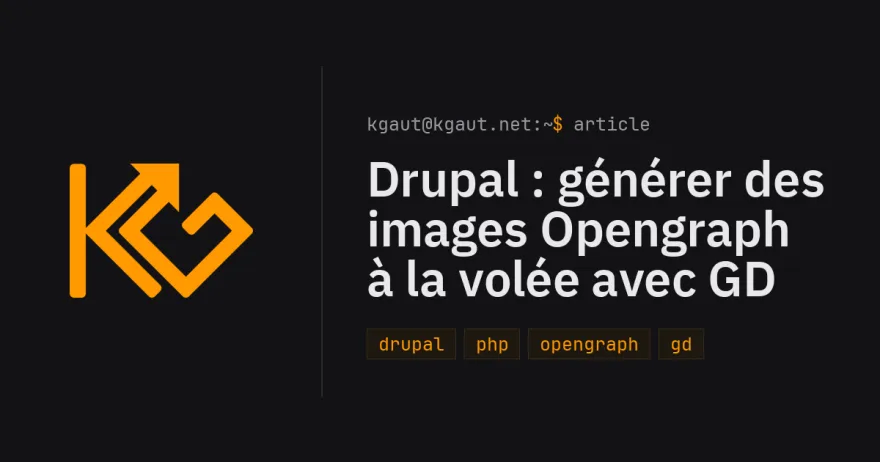
When you share a link on Mastodon, Bluesky, LinkedIn or in a messaging app, the og:image is what gets displayed. So if you want something nice, you have to find an image, which doesn't always make sense, or fall back on a default one... I ended up setting up automatic image generation with my logo and the article title, for when I have nothing better to offer.
The idea: a three-level cascade
For each piece of content, the sharing image is resolved in this order:
- A dedicated "Opengraph image" image field, present on all my content types: if I want a specific sharing image, I upload it and it takes precedence over everything (cropped to 1200×630 by an image style)
- Otherwise, the content's image (the article's regular image field)
- Otherwise, as a fallback, an image is generated automatically in PHP: site logo on the left, content title and tags on the right, following the site's visual identity.
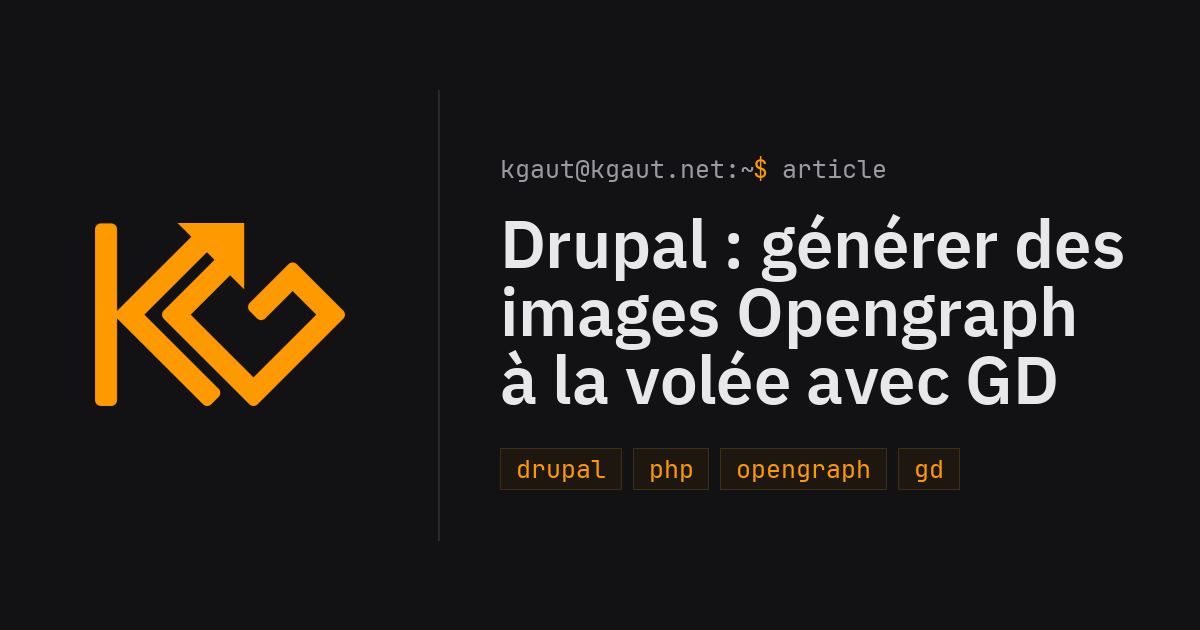
Why 1200×630?
It's the format recommended by Facebook and LinkedIn (1.91:1 ratio), and used as is by Twitter/X and Bluesky for "large" cards. Below 600×315, some platforms downgrade the display to a thumbnail. 1200×630 is apparently the de facto standard, so you might as well generate at that size directly.
Generation: GD, two TTF fonts and a PNG logo
No external service, no third-party API, no headless browser: generation relies on GD + FreeType, available on any decent PHP hosting. The module ships three assets:
- the site's fonts as TTF (IBM Plex Sans for the title, JetBrains Mono for the rest)
- the logo as a transparent PNG, rendered once and for all from the theme's SVG with ImageMagick.
The layout reuses the theme's CSS tokens (background #121214, accent #ff9900, etc.):
protected const COLORS = [
  'bg' => [0x12, 0x12, 0x14],
  'accent' => [0xFF, 0x99, 0x00],
  'text' => [0xE8, 0xE8, 0xEA],
  'text_soft' => [0x9A, 0x9A, 0xA2],
  'tag_bg' => [0x1D, 0x17, 0x10],
  'tag_border' => [0x3D, 0x2E, 0x14],
];
The left column holds the logo, separated by a vertical rule. The right column stacks three elements:
- a "prompt" line echoing the site's look:
kgaut@kgaut.net:~$ article - the title, with an adaptive font size: start at 50 px, measure each line with
imagettfbbox(), and step down by 4 px as long as the title doesn't fit on 4 lines - the tags
The core of the text wrapping fits in a few lines:
protected function wrapText(string $text, string $font, int $size, int $max_width): array {
  $lines = [];
  $current = '';
  foreach (preg_split('/\s+/u', $text) as $word) {
    $candidate = $current === '' ? $word : $current . ' ' . $word;
    if ($current !== '' && $this->textWidth($font, $size, $candidate) > $max_width) {
      $lines[] = $current;
      $current = $word;
    }
    else {
      $current = $candidate;
    }
  }
  if ($current !== '') {
    $lines[] = $current;
  }
  return $lines;
}
A single metatag token for the whole cascade
On the Drupal side, the metatag config only knows one custom token, declared in the site's module via hook_token_info() / hook_tokens():
og_image: '[node:kgaut-og-image]'
og_image_url: '[node:kgaut-og-image]'
og_image_secure_url: '[node:kgaut-og-image]'
twitter_cards_image: '[node:kgaut-og-image]'
The token relies on a service that implements the cascade:
public function resolveUrl(NodeInterface $node): ?string {
  foreach (self::IMAGE_FIELDS as $field_name => $style_id) {
    if (!$node->hasField($field_name) || $node->get($field_name)->isEmpty()) {
      continue;
    }
    $file = $node->get($field_name)->referencedEntities()[0] ?? NULL;
    if ($file instanceof FileInterface) {
      return ImageStyle::load($style_id)->buildUrl($file->getFileUri());
    }
  }
  // No image: generate one.
  $uri = $this->generate($node);
  return $uri ? $this->fileUrlGenerator->generateAbsoluteString($uri) : NULL;
}
Caching by content hash
Generating an image on every page view would be a bit heavy... Each generated image is written once and for all to public://og-generated/, with a file name containing a hash of the image's content:
$hash = substr(hash('sha256', serialize([self::VERSION, $title, $tags, $prompt])), 0, 12);
$uri = self::DIRECTORY . '/' . $node->id() . '-' . $hash . '.png';
if (file_exists($uri)) {
  return $uri;
}
The consequences are neat:
- title or tags changed → different hash → the image regenerates by itself on the next render;
- nothing changed → the existing file is served again, at almost no cost;
- the
VERSIONconstant lets me invalidate the whole image stock when I change how the images are rendered.
Generation is lazy: the first render of the page (often the social network's crawler itself) triggers the file's creation.

Written by Kevin Gautreau — freelance PHP/Drupal developer & trainer in Auvergne, France. get in touch
Comments (0)